
7 Tools That Replace Expensive SaaS Marketing Subscriptions (2026)
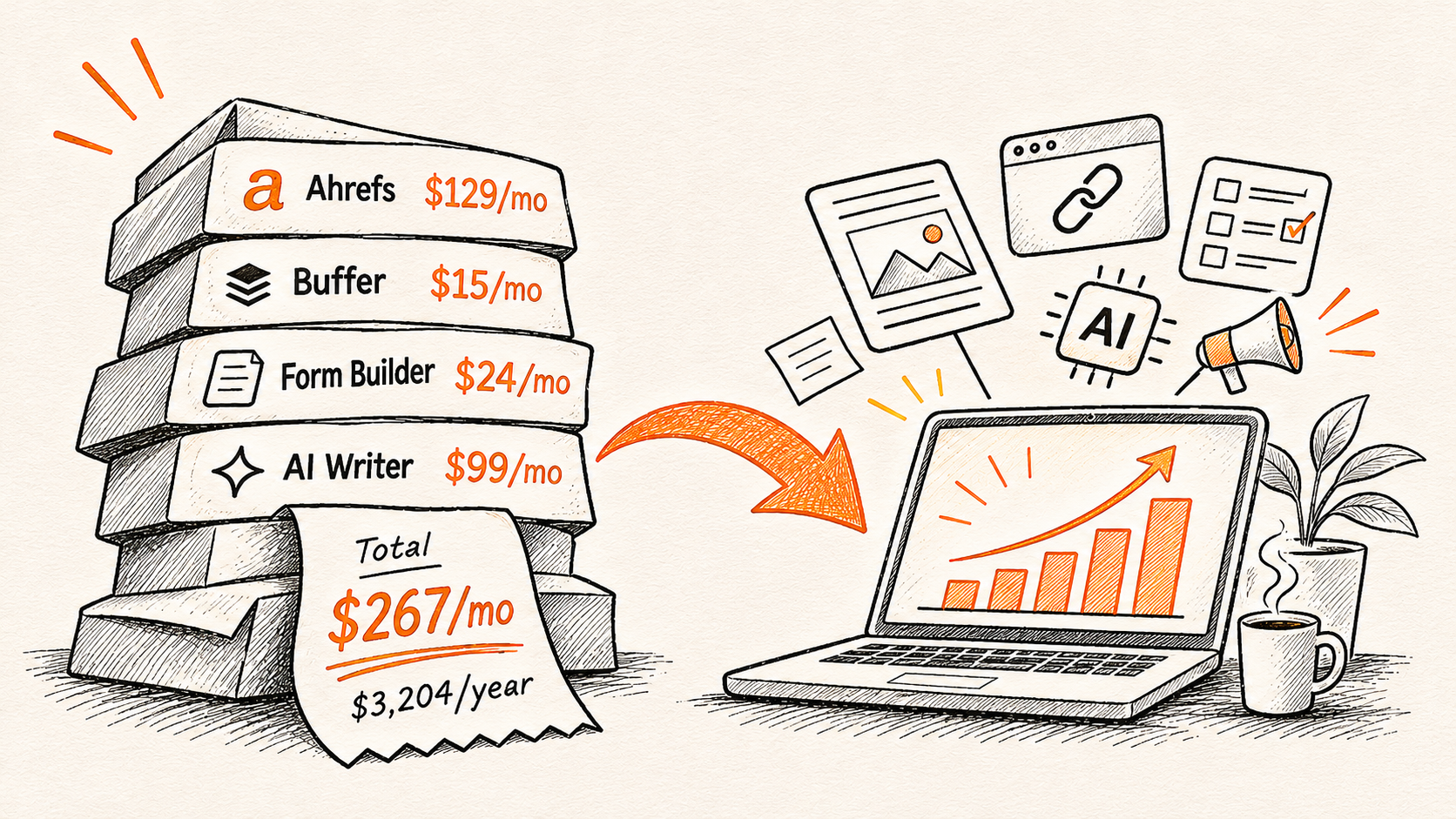
Add up the marketing tools a small SaaS can end up paying for.
SEO software: $129 a month. Social scheduling for three accounts: $15. A form builder: $24. An AI content subscription: $99. That’s $267 a month, or $3,204 a year, before paying for directory listings or someone to write a single article.
These tools help, but you still have to learn them, decide what to publish, and find time between product updates.
There’s another approach: pay once for work you need done, and use free tools for the parts you want to handle yourself. The seven options below cover content, search, analytics, directories, and product launches.
A few details matter:
- Free doesn’t mean unlimited. Some tools cap reports, recordings, or scheduled posts.
- Free doesn’t mean hands-off. You’ll still set things up and decide what to measure.
- One-time doesn’t mean forever. A fixed campaign has a beginning and an end.
- One option here is different: instead of giving you more marketing software, it actually does the publishing work for your SaaS.
You don’t have to move everything at once. Start with a real problem.
1. UseWok: SaaS visibility without doing the marketing yourself
Replaces: SEO subscriptions like Outrank ($99/month), plus content and promotion services. Cost: $89 one-time.
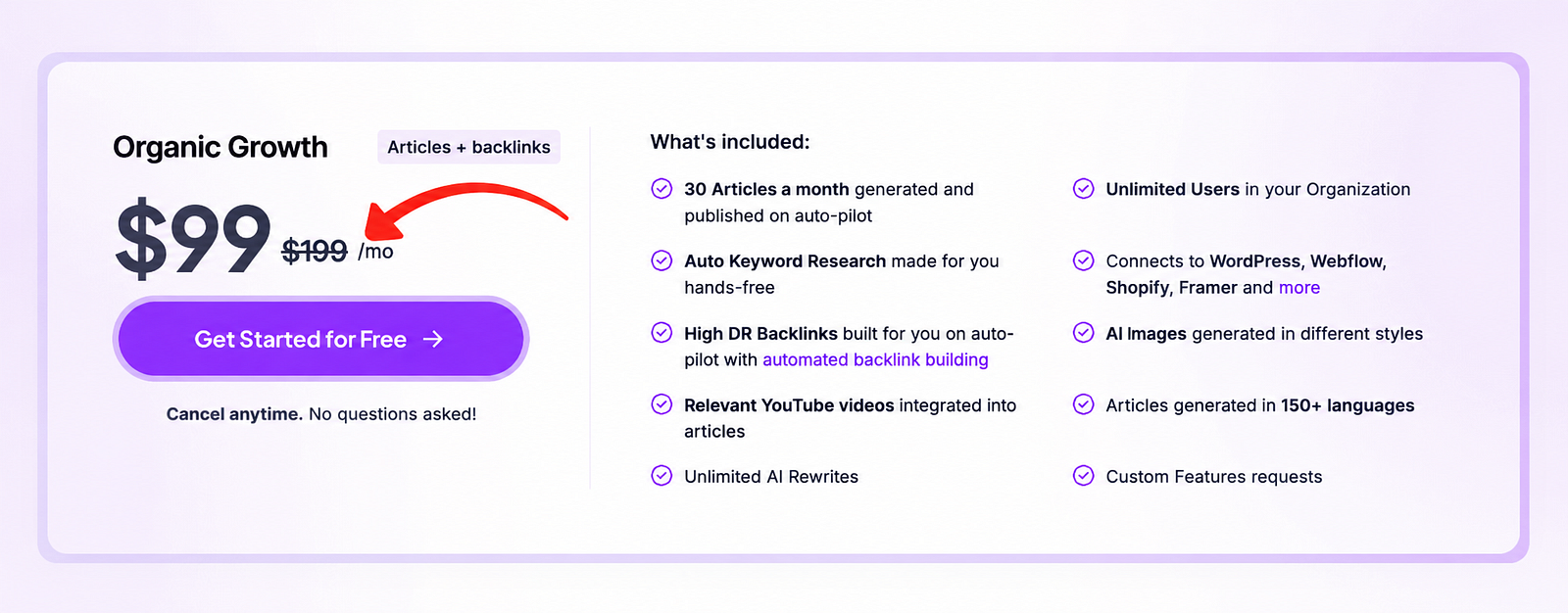
UseWok is worth a look for small SaaS and micro-SaaS teams. It handles the marketing work for you, helping your product get discovered across Google, AI search, directories, and social platforms.
For $89, Growth includes 12 SEO/AEO articles with high-quality custom visuals and dofollow editorial backlinks, 6-10 brand mentions on LinkedIn, X, Reddit, and Quora, plus 30 directory submissions targeting DR/DA 50+ sites. You also get a permanent feature on the UseWok Blog (DR50).
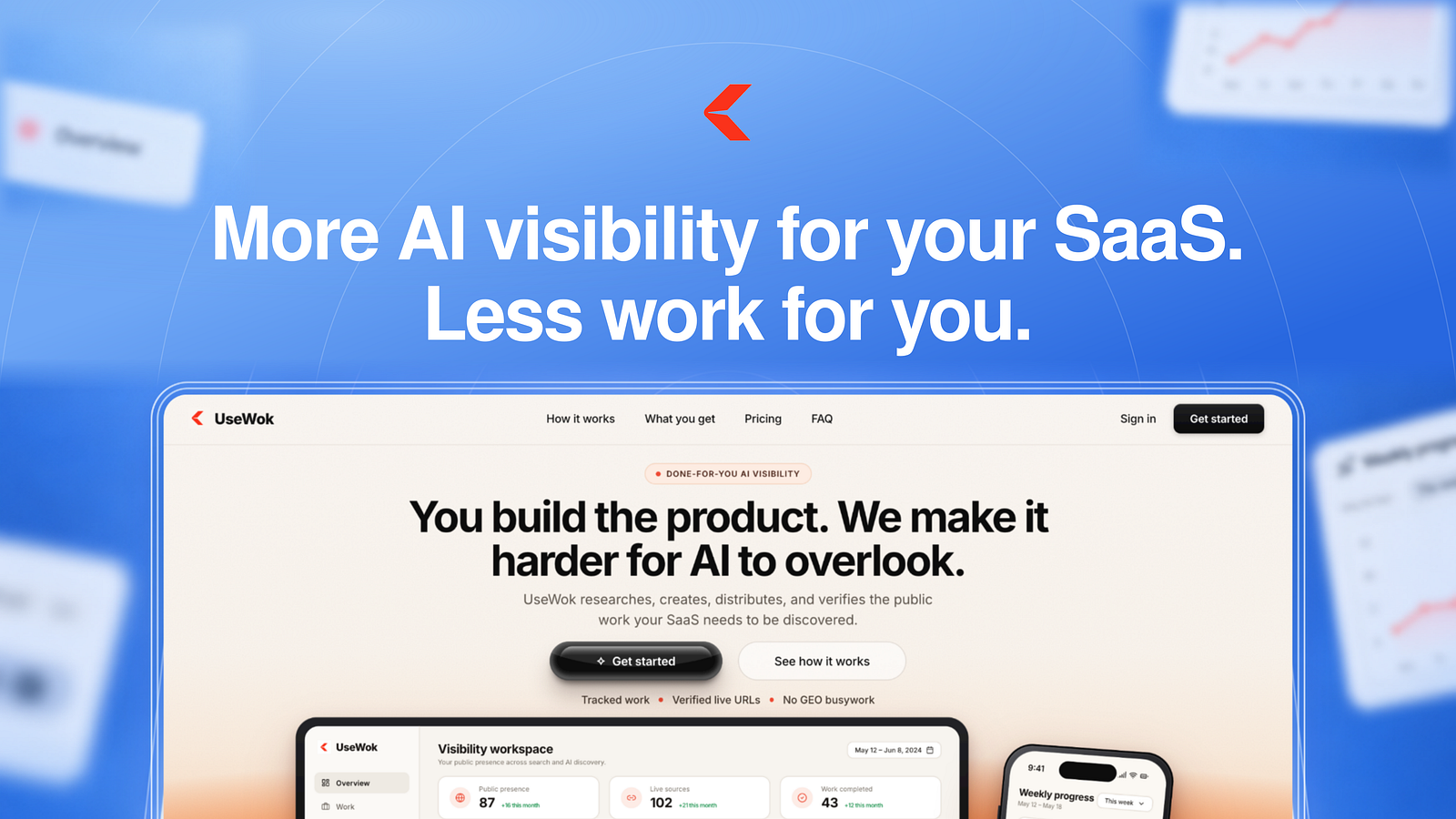
Just share your SaaS details, features, and competitors. UseWok handles research, content, and distribution. Review and track everything in a private workspace. Even the cheapest pack includes a premium digital product.
Here’s a real Inwista article.
The biggest advantage is getting all that visibility work handled while you keep building your product, without another marketing workload.
The catch: It’s relatively new, with a growing collection of published client examples.
2. Ahrefs Free: check your SEO without the $129 bill
Replaces: Ahrefs Lite ($129 a month) for basic checks on websites you own. Cost: Free, with limits.
Ahrefs has a free account that doesn’t expire. Verify your SaaS site to inspect keywords, backlinks, broken links, and technical errors. Site Audit includes 5,000 monthly crawl credits per project.
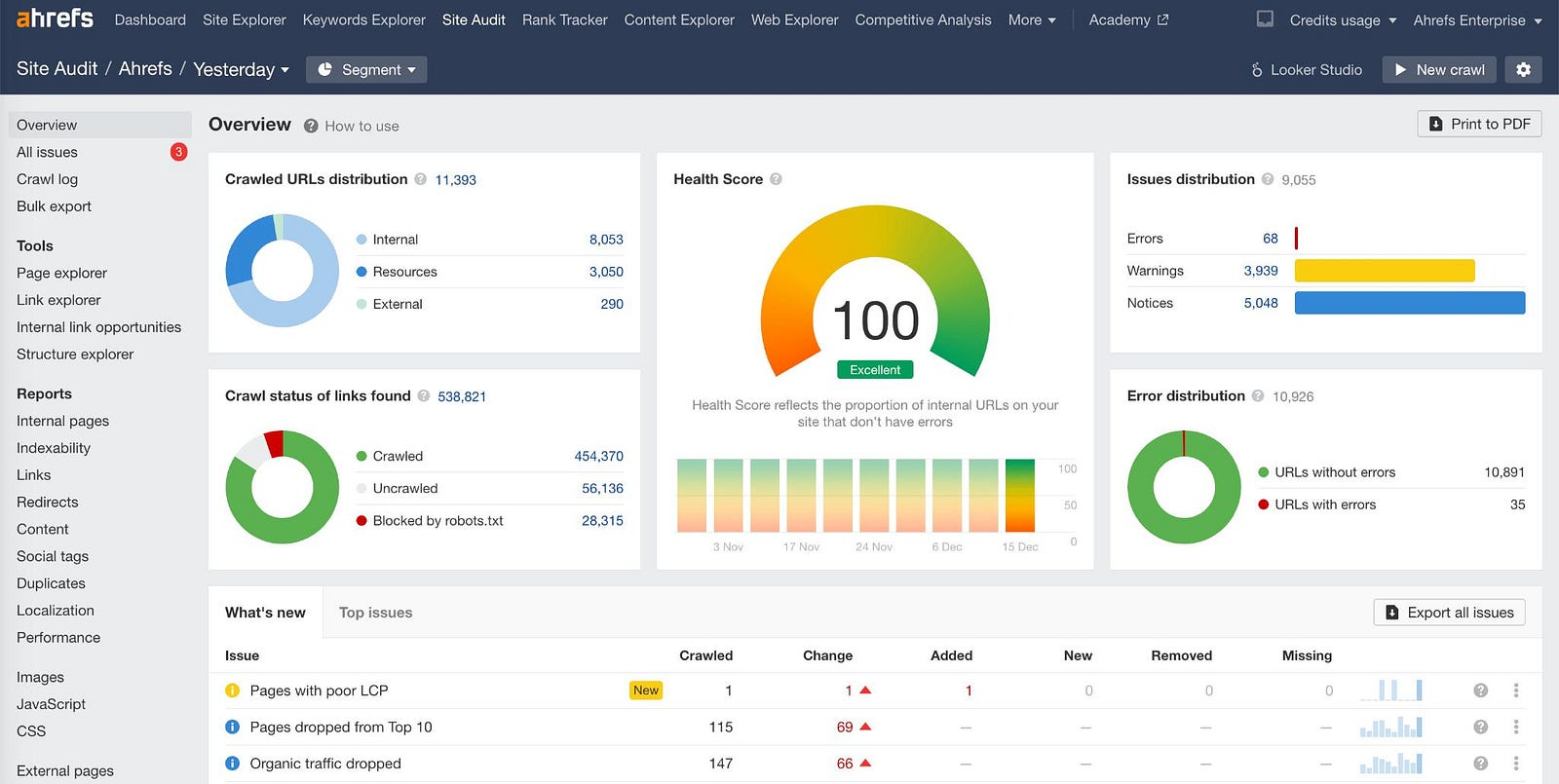
You also get one AI Content Helper document a month; start with the audit: fixing a page Google can’t crawl can matter more than writing another article.
The upside is checking your own site before paying for a full suite. It’s worth doing before you upgrade.
The catch: Competitor research and larger reports are limited. Site Explorer shows 1,000 backlinks and keywords at once, and deeper tools are paid.
3. Google Search Console: see what people already search for
Replaces: Paid reports for your own Google Search performance. Cost: Free, no subscription.
Search Console shows which Google searches lead to impressions and clicks, which pages appear, and their average positions. The figures come from Google itself.
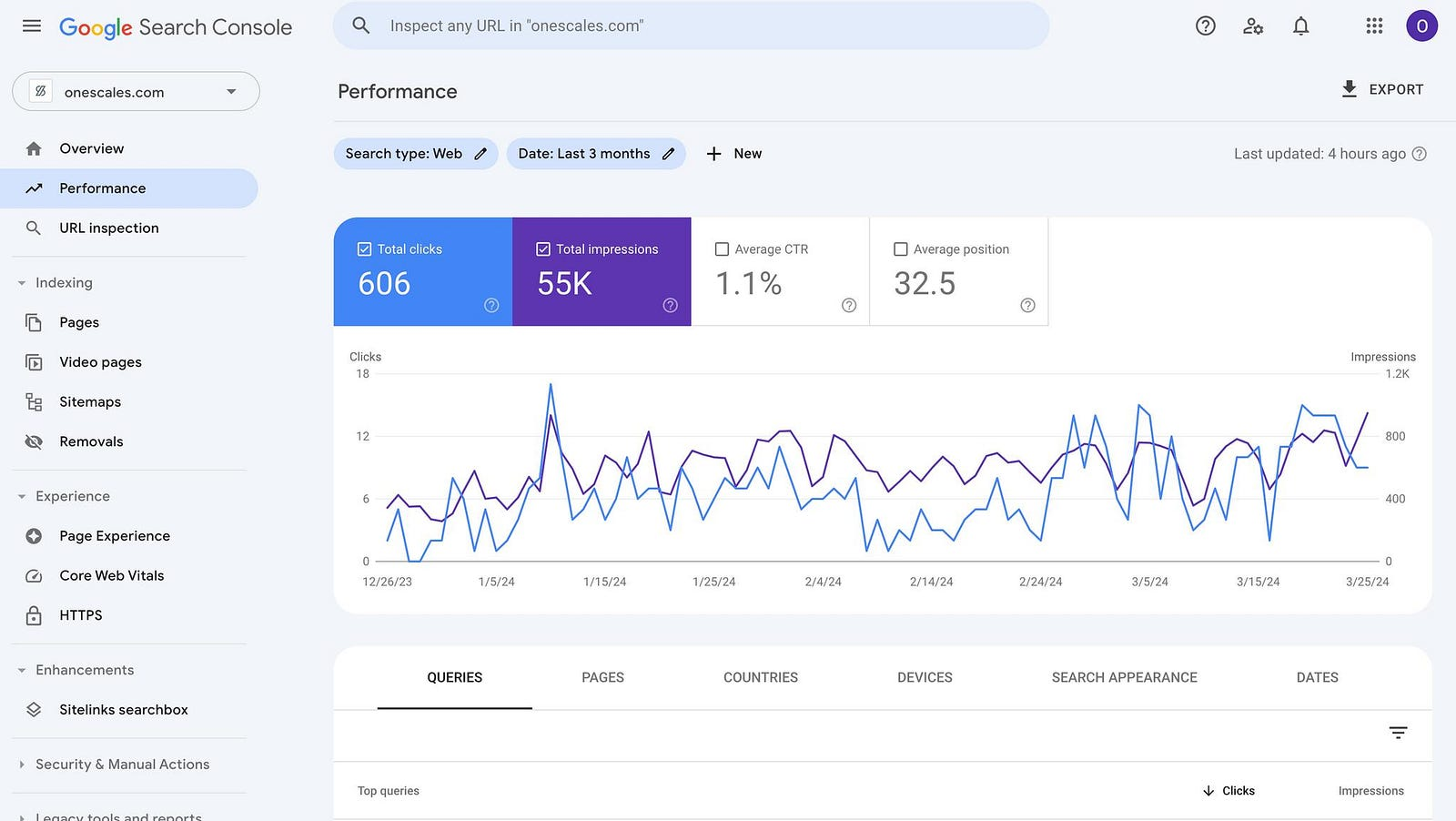
Sort real queries by impressions and look for pages that get seen but rarely clicked. A page might appear for “client onboarding software” but have a title that doesn’t answer the question. Now you know what to improve.
You can inspect URLs to check indexing and request a fresh crawl after publishing a comparison or landing page.
If your pricing page gets impressions but few clicks, try a clearer title. If an article isn’t indexed, check its URL before rewriting it.
The catch: It covers only your sites and Google Search, not competitors’ traffic or all AI mentions.
4. PostHog: product analytics without a fixed monthly bill
Replaces: Paid analytics and session replay subscriptions for smaller products. Cost: Free for 1 million events and 5,000 recordings a month.
PostHog shows what people do inside your SaaS. Track actual signups, upgrades, feature use, and where visitors give up.
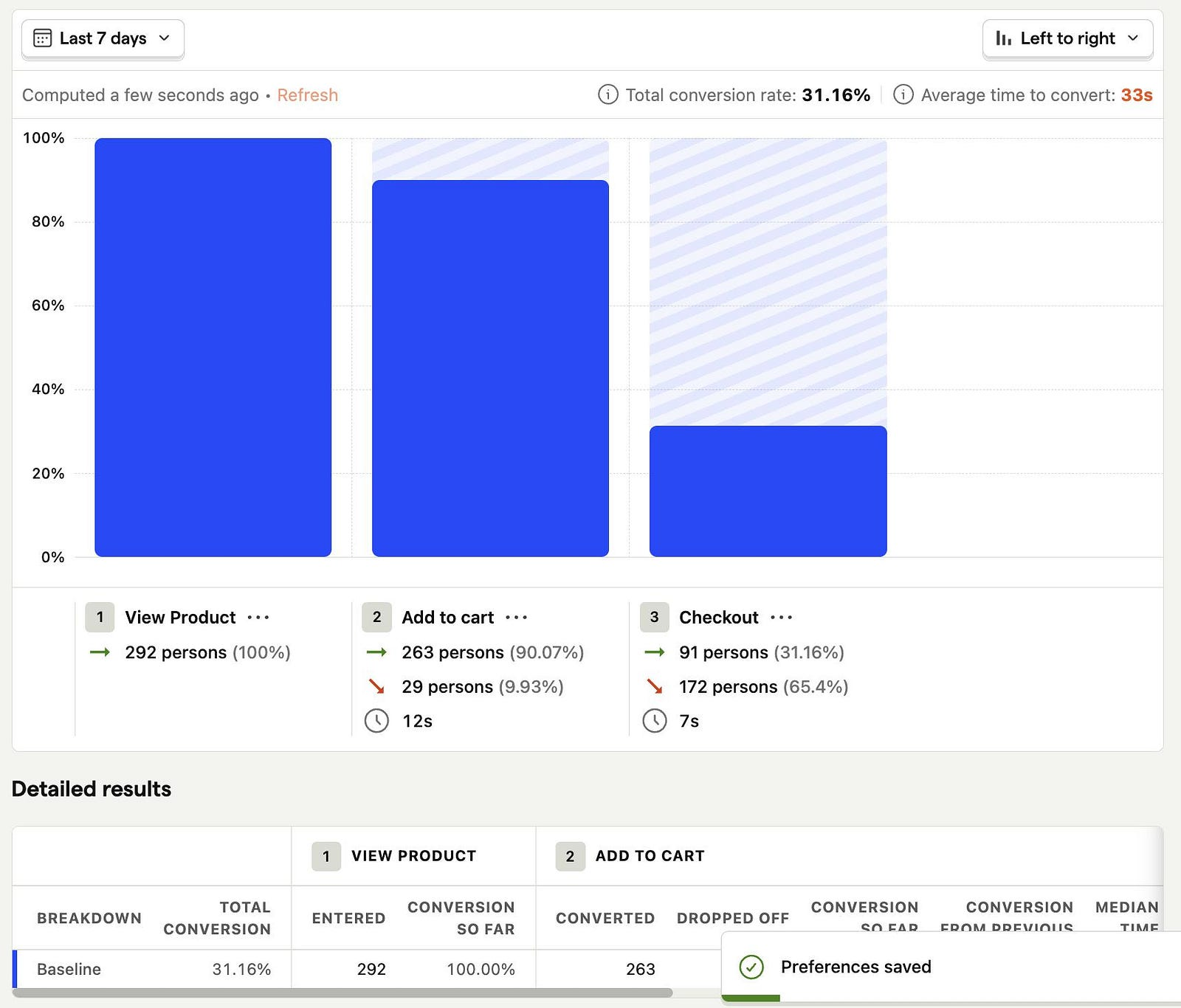
Say 300 people open signup, 120 start, and 40 finish. A funnel shows the drop. Recordings can reveal confusing fields or broken steps.
You also get 1 million feature flag requests monthly, enough to test a newer flow with a smaller group.
Free accounts have shorter data retention than paid plans. Traffic numbers won’t tell you if visitors reached the most useful screen in your SaaS.
The catch: You have to install the SDK and decide which events matter. If usage grows, you either cap collection or pay for events above the allowance.
5. SaaSHub: get discovered when people compare software
Replaces: Paying for basic placements in software directories and alternatives lists. Cost: Free product submission, with paid promotion available.
Most people won't search for your SaaS by name if they've never heard of it.
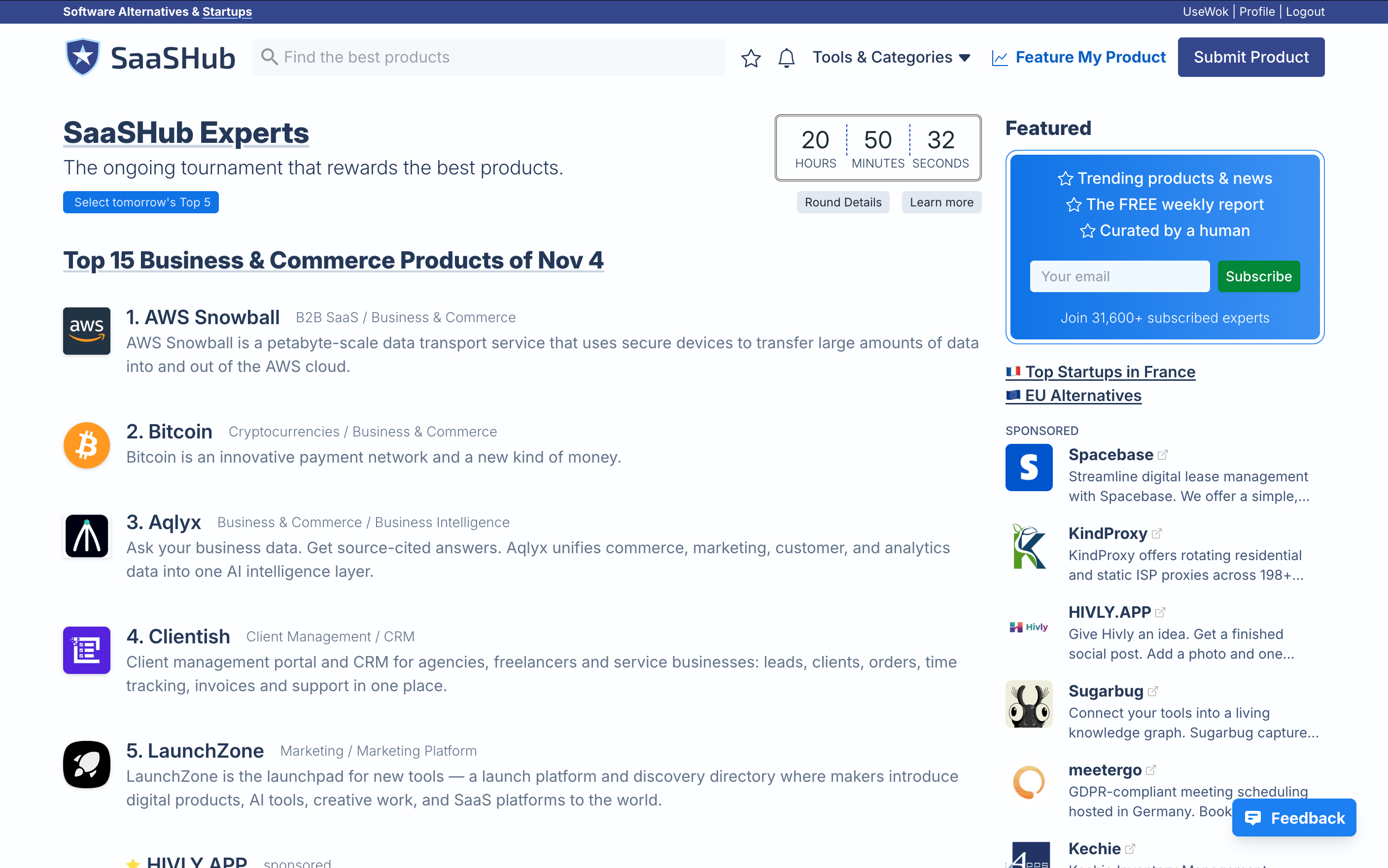
SaaSHub lists software alongside alternatives to popular tools. Submit your SaaS, choose relevant categories, and identify competitors people might already know.
You can also verify your product using an email address from its domain, which gives your submission higher priority.
If someone is searching for an alternative to a well-known CRM, your smaller product has another place where it can be discovered.
The catch: Submissions require approval. Unreleased products and waitlist-only landing pages aren't accepted, and featured placements are paid.
6. Buffer: schedule posts without another subscription
Replaces: Paid social scheduling for a few accounts. Cost: Free for three channels, with 10 queued posts per channel.
Buffer lets you schedule updates for X, LinkedIn, and other networks. Write posts after shipping a feature, choose a date, and get back to work.
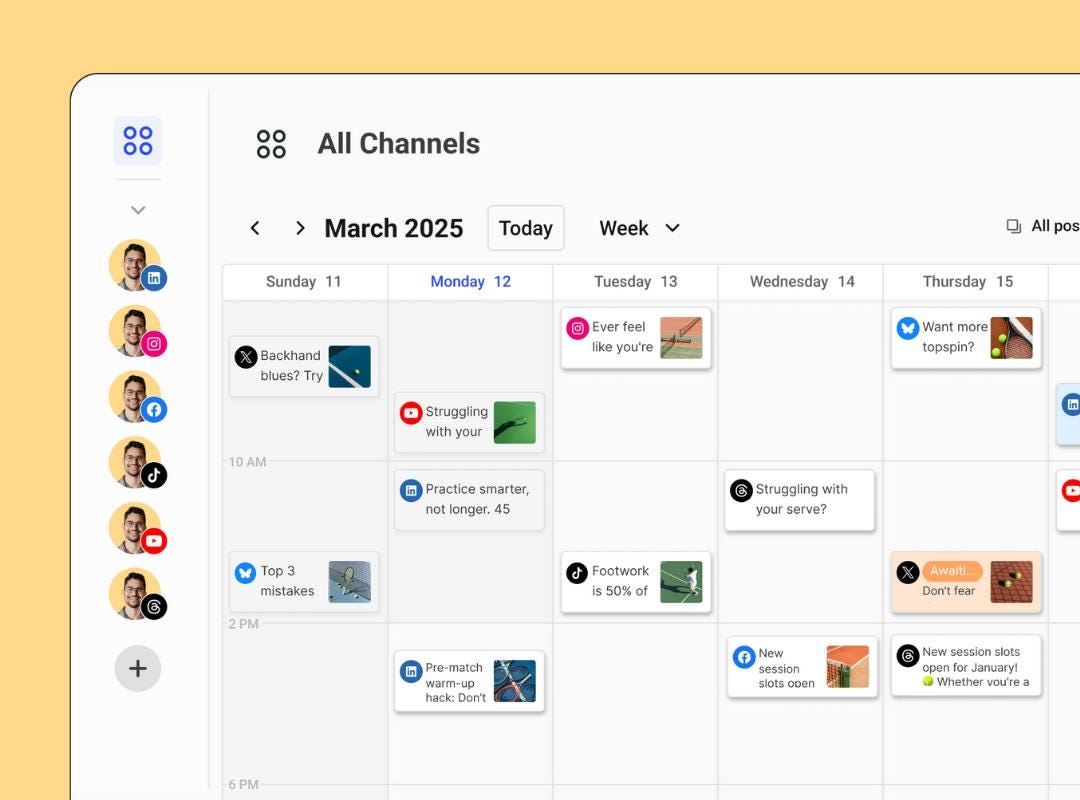
Free accounts can hold 10 scheduled posts per channel. Once one publishes, the slot opens again. There’s a simple calendar, drafts, and basic insights.
The catch: Deeper analytics and larger queues require Essentials, from $5 per channel per month when billed yearly.
7. Uneed: launch your SaaS where people discover new products
Replaces: Paid product launch placements when you're happy to join a free waiting line. Cost: Free launch queue, with paid options for faster launches.
Uneed is a launch platform where new SaaS products appear in daily batches. People browse launches, discover new tools, and vote for the ones they like.
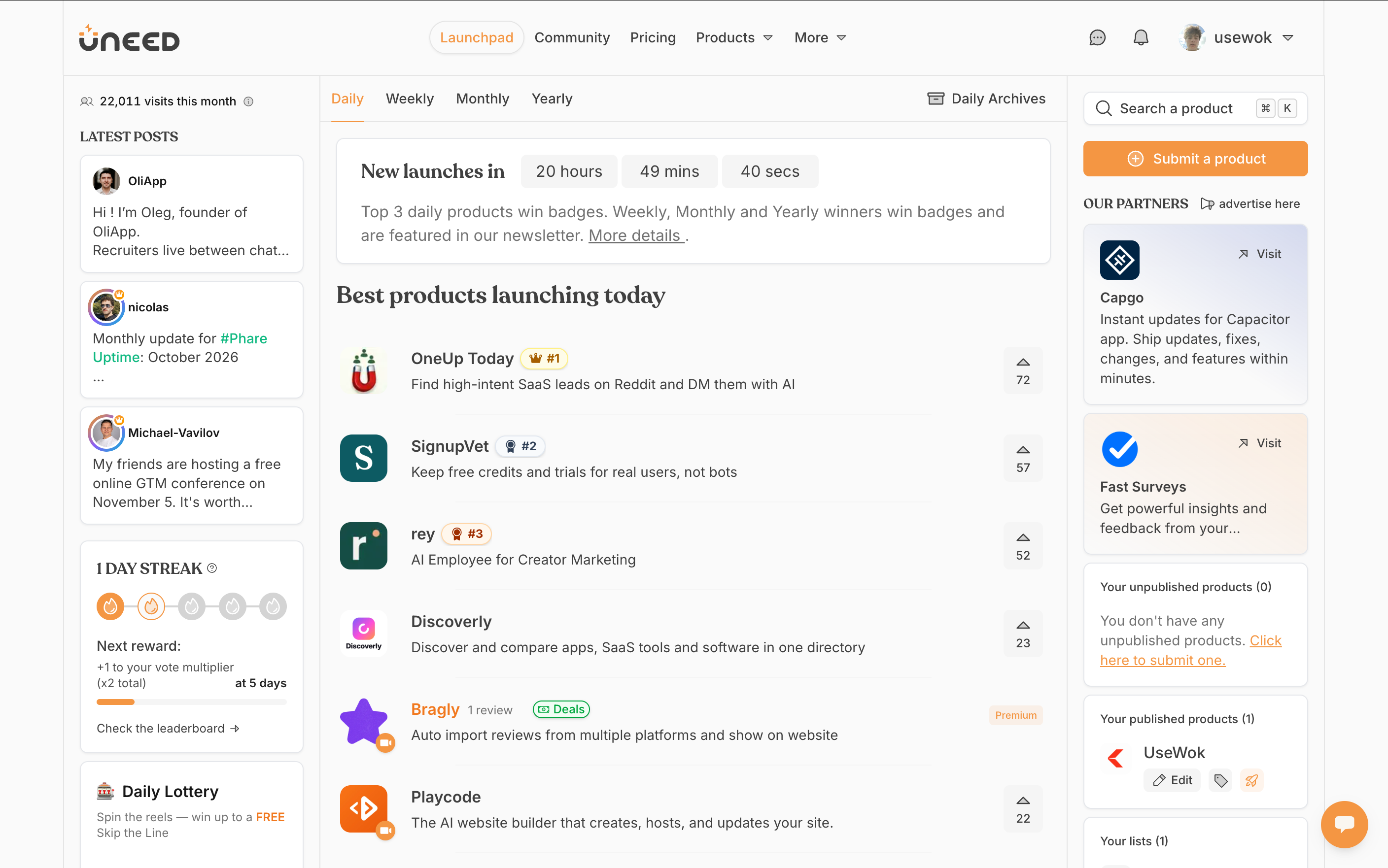
Submit your product, prepare its listing, and join the free waiting line. Uneed assigns a launch date at least 30 days away.
Products can appear in daily, weekly, and other rankings, giving founders opportunities to reach people already interested in discovering software.
The useful part is the audience. Instead of posting another announcement into a busy social feed, your product appears alongside other new launches.
The catch: Free launches need an upvote score of 10 to stay published and 20 to retain a dofollow backlink. Free submissions can also be declined.
Where to start
Don’t set up everything this weekend. Start with the fastest wins:
- Start with UseWok. Get your SaaS discovered on Google and AI search while articles, backlinks, and promotion are handled for you. No extra workload.
- Next, connect Search Console and run an Ahrefs audit to find queries and site issues.
- Add PostHog when you have real visits and signups to investigate.
- List your SaaS on SaaSHub and launch on Uneed, then use Buffer to schedule posts when needed.
The short version
Subscriptions can be worth paying for. But a small SaaS doesn’t need hundreds in monthly bills to check search traffic, launch a product, or schedule posts.
Use free tools where they fit. Pay once when you need a specific job done.
The point isn’t seven dashboards. Keep only tools you actually use. A small SaaS can save money without making marketing another full-time job.
Pay for more only when needed.
Which subscription would you replace first? Share a tool I missed.
I’m Antoine. I build tools for indie hackers, and share the numbers in public. Follow me on X at @antoinevalton.
Comments
Join the discussionNo comments yet. Be the first to comment.


